Events, Edible Printing
Café Layout: How to Organise the Counter for Smooth Service
Jul
A good café layout cuts down the crossovers between orders, drinks, crockery and customers. Every piece of equipment adds a step, so its position should be based on your real workflow, not just on how the counter looks.
“I travel the world to track down personalisation solutions that genuinely work in cafés, bars and at events. Here, every idea is tested against real-world service.”
— Your trend hunter
PERSONALISATION & HOSPITALITY
Innovation built for real-world service
Café Layout: How to Organise the Counter for Smooth Service
The set-up
A stable surface and a finishing station organised around the real flow of service.
The artwork and the technique
An approved design, a compatible cartridge and a quality-checked result.
- Order taking and payment.
- Hot and cold drink preparation.
- Finishing, printing or garnish.
- Handover to the customer and crockery return.
Map the flow before choosing the furniture
Trace the path of an order from the entrance to the handover. Count the steps, the crossovers and the moments when two people need the same space. The best counter makes every movement feel natural.
Keep the most-used consumables between waist and shoulder height. Reserve the low shelves for stock, and store cleaning products away from food consumables.
Set up a personalisation zone
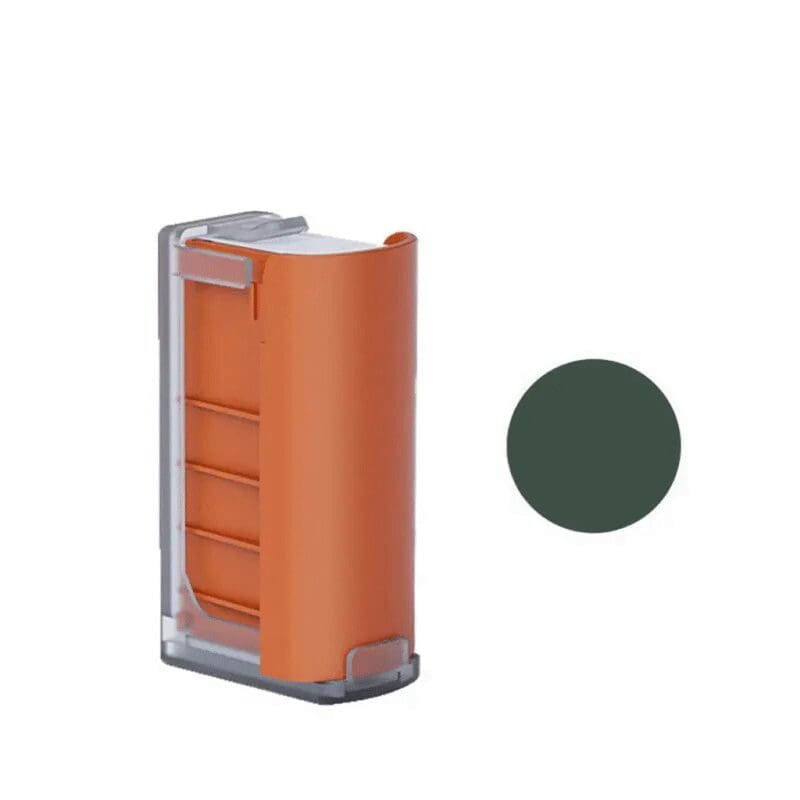
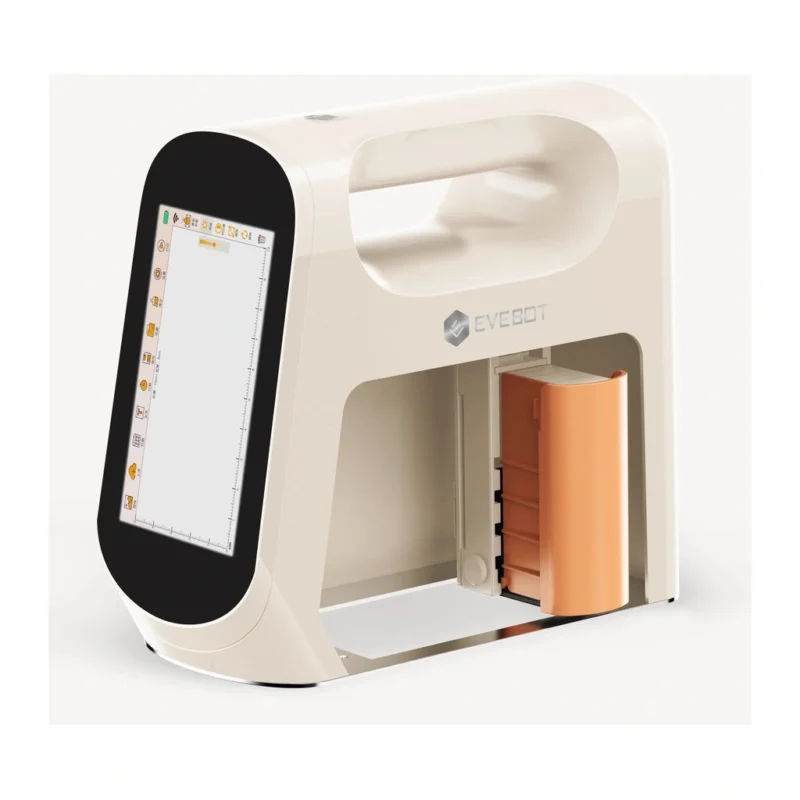
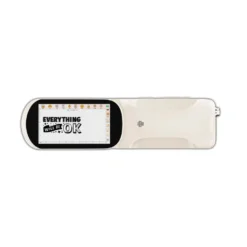
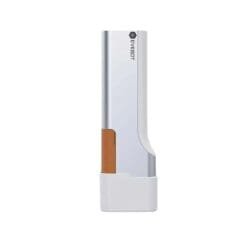
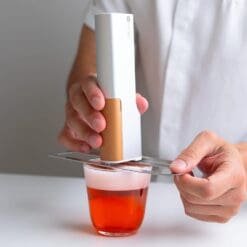
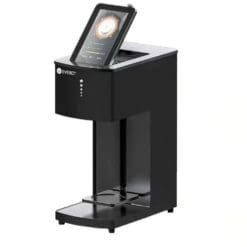
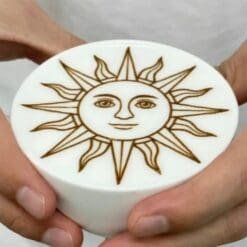
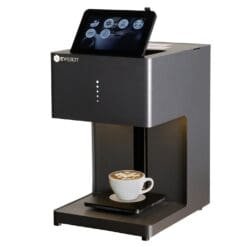
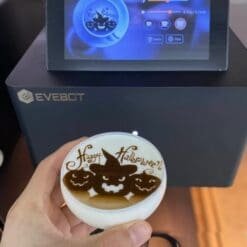
A portable printer can live on a compact station with its cartridges, guide, charger and test surfaces. A model like the Evebot Smart needs more room to set it down, use the screen and line up the surface.
Finishing should happen after the foam is made and before the handover. If the device is too far away, the operator loses time and the foam starts to break down.
Avoid the most common mistakes
- Don’t put the handover point in front of the till.
- Plan a socket and charging point with no cable across the walkway.
- Keep a dry surface for printing.
- Keep dirty crockery away from the finishing area.
- Test the counter during a simulated rush.
Measure after opening
For one week, note the queues, the back-and-forth trips and the congested areas. Move small items first before committing to building work. A few centimetres saved on a repeated movement can improve the whole day.
Frequently asked questions
How much space should you allow for a printer?
Add room for the printing surface, the cartridges and your hand movements to the device’s own footprint. Test with the largest item you actually print on.
Should customers see the printing?
It’s a real asset at events, but visibility must not get in the way of the flow or leave the equipment open to handling.
DÉLICE BAR SELECTION
Products featured in this guide
This selection reflects the products and prices currently listed in the Délice Bar shop.
Innovate without slowing down service
Test the idea on one surface, with a few designs and for a limited period. Keep it only if it genuinely improves the guest experience and your workflow.
Discover the Evebot Smart Portable Edible Printer 5 × 10 cmKEEP READING