Classics Revisited, Edible Printing
Espresso martini: the recipe, a foam that holds and a logo printed on top

Oct
The espresso martini owes its fame to its foam: a tight brown crema, topped with three coffee beans. A perfect surface… for printing a name or a logo.
“At every corporate party I attend, the espresso martini is the star at the end of the night. The ones people remember have an extra touch: the brand logo printed on the foam.”
— Your trend hunter
COFFEE COCKTAIL
The cocktail that wakes up the evening
The recipe, the foam that holds, and the personalisation that gets people talking
The recipe
Vodka, coffee liqueur, fresh espresso and a little sugar: the coffee cocktail par excellence.
The foam
Freshly pulled coffee and a vigorous shake: the key to a thick foam.

- 5 cl of vodka
- 3 cl of coffee liqueur
- 1 cl of sugar syrup
- 1 short espresso (about 3 cl), freshly pulled
- Plenty of ice
- Garnish: 3 coffee beans
The recipe step by step
- Chill the coupe in the freezer or with crushed ice.
- Pull the espresso at the last moment: its crema makes the foam.
- Shake hard all the ingredients with plenty of ice, for at least 15 seconds.
- Double strain into the cold coupe.
- Wait 30 seconds: the foam separates and rises. Place the coffee beans in the centre.
These proportions are those of the IBA reference recipe. The cocktail was born in London in the 1980s, created by bartender Dick Bradsell.
Alcohol abuse is dangerous for your health; drink responsibly.
Why the foam doesn’t hold (and how to save it)
- The coffee isn’t fresh: an espresso that has cooled has lost its crema. Pull it just before shaking.
- Filter coffee is neither concentrated nor creamy enough. Use an espresso, even from a capsule machine.
- The shake is too gentle: shake hard, for a long time, with plenty of ice.
- The glass is warm: the foam collapses faster. Always chill the coupe.
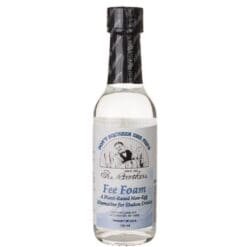
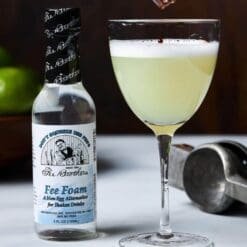
1 to 2 drops of Fee Foam in the shaker make the foam denser, smoother and longer-lasting. Very handy when you’re making cocktail after cocktail at an event… or when you want to print on it.

Printing a logo on an espresso martini
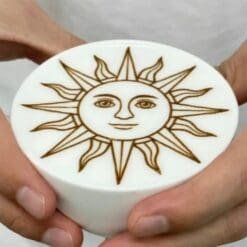
A food printer deposits edible ink on the foam: brand logo, name, date, a short message. On an espresso martini, the effect is immediate, and every guest leaves with a photo.
Two ways to do it
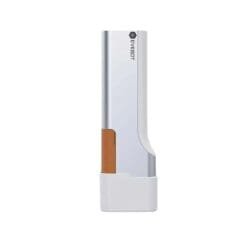
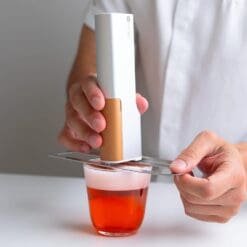
- The portable Stylo Print: held in your hand above the glass, the design is chosen in a mobile app. Wireless and compact, it follows the bartender everywhere.
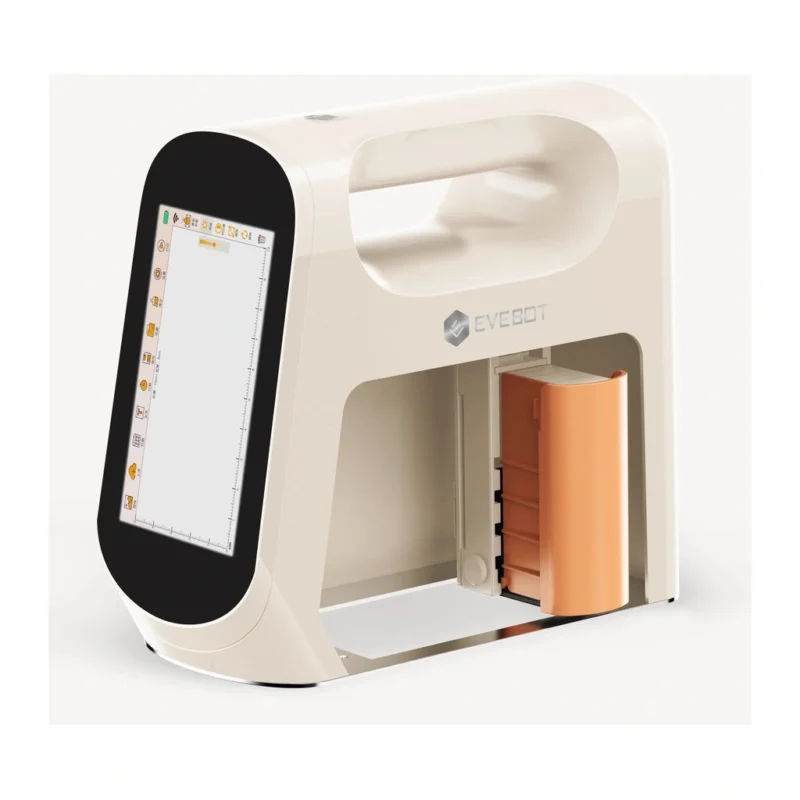
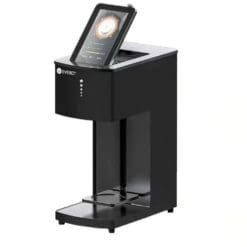
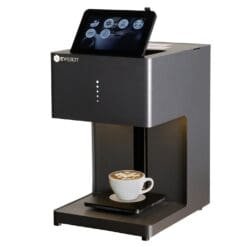
- The countertop machine (Mini machine or Pro machine): slide in the glass and start printing from the touchscreen. Some versions have a camera to print selfies.
Our tips for a sharp result
- A very smooth foam: shake hard and add 1 to 2 drops of Fee Foam.
- A simple, high-contrast design: a clean logo reads better than a busy photo.
- Check the height of your glasses with a machine: the Mini machine takes containers from 5 to 24 cm, the Pro machine from 5 to 18 cm.
- Print just before serving, once the foam has settled.

Frequently asked questions
Which vodka for an espresso martini?
A neutral, good-quality vodka: it’s the coffee and the liqueur that should speak.
Can you use capsule coffee?
Yes, if it’s pulled just before shaking. Avoid filter coffee or cold coffee, which don’t foam.
Does the ink change the taste of the cocktail?
No: the edible inks in our printers are described as tasteless and don’t alter the drink.
Can you make an alcohol-free espresso martini?
Yes: replace the vodka and liqueur with a coffee syrup and a little cold water, keep the espresso fresh and the shake vigorous.
DÉLICE BAR SELECTION
Personalise your coffee cocktails
A dense foam with Fee Foam, then a logo printed in a few seconds: the winning combination for events.
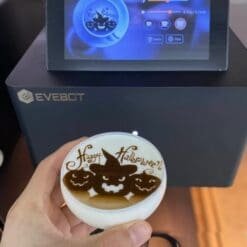
Your logo on every espresso martini
Portable pen or countertop machine: find the food printer that turns every glass into a keepsake.
See the food printersKEEP READING